 PnP
PnP Kitting list from the BOM
Paste a BOM from Excel and get one line per reel: quantity to pull with spares, tape width, MSL level, package, and the nozzle and feeder your shop uses. Chip sizes are read from Murata, Samsung, Yageo, Panasonic and TDK part codes.
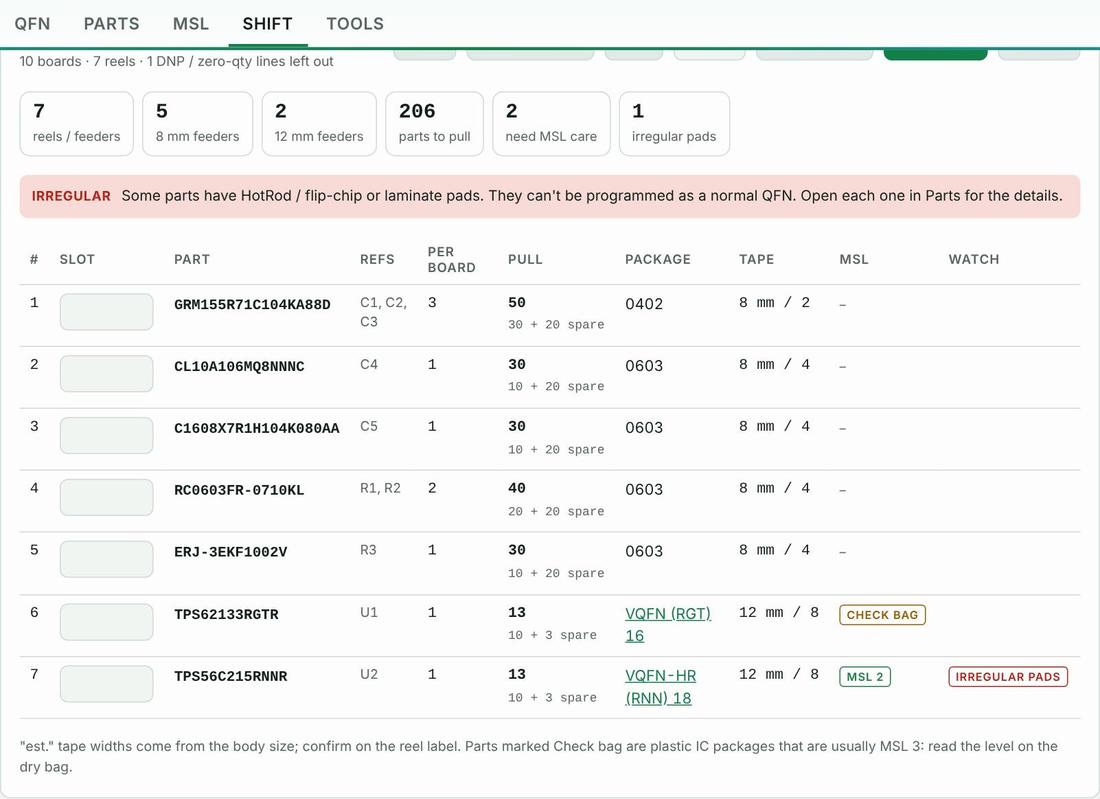
How to use it
- Copy the BOM columns from Excel and paste them in.
- Set boards and spares.
- Number the feeder slots and save the job by name and revision.
Proof it works
On your machine
The words in this tool follow the machine you pick: “nozzle” or “tool”, “feeder”, “intelligent feeder” or “Agilis feeder”.
Part categories it helps with
Other features
- Machine picker
- QFN decoder
- Parts library
- Scan and capture
- Load check
- MSL floor-life timers and bake times
- Mispick log
- Shift handoff note
- Machine setup sheet
- Team file and sharing
- Job setup checklist
- Rotation helper
- Unit converters and size codes
- Tape, feeders and ordering
- Tips from the floor
Try PnP Toolkit free for 30 days
No credit card. Works on any phone or line PC. After the trial it’s $49/month per machine.